CanopyReach out for access

Canopy

Keep a branch for the work you can’t do yet.

Capture work as it comes up, sort it by project, and return when you’re ready. Canopy runs as a small desktop app alongside the tools you already use.

Canopy capture bar asking what you want to branch
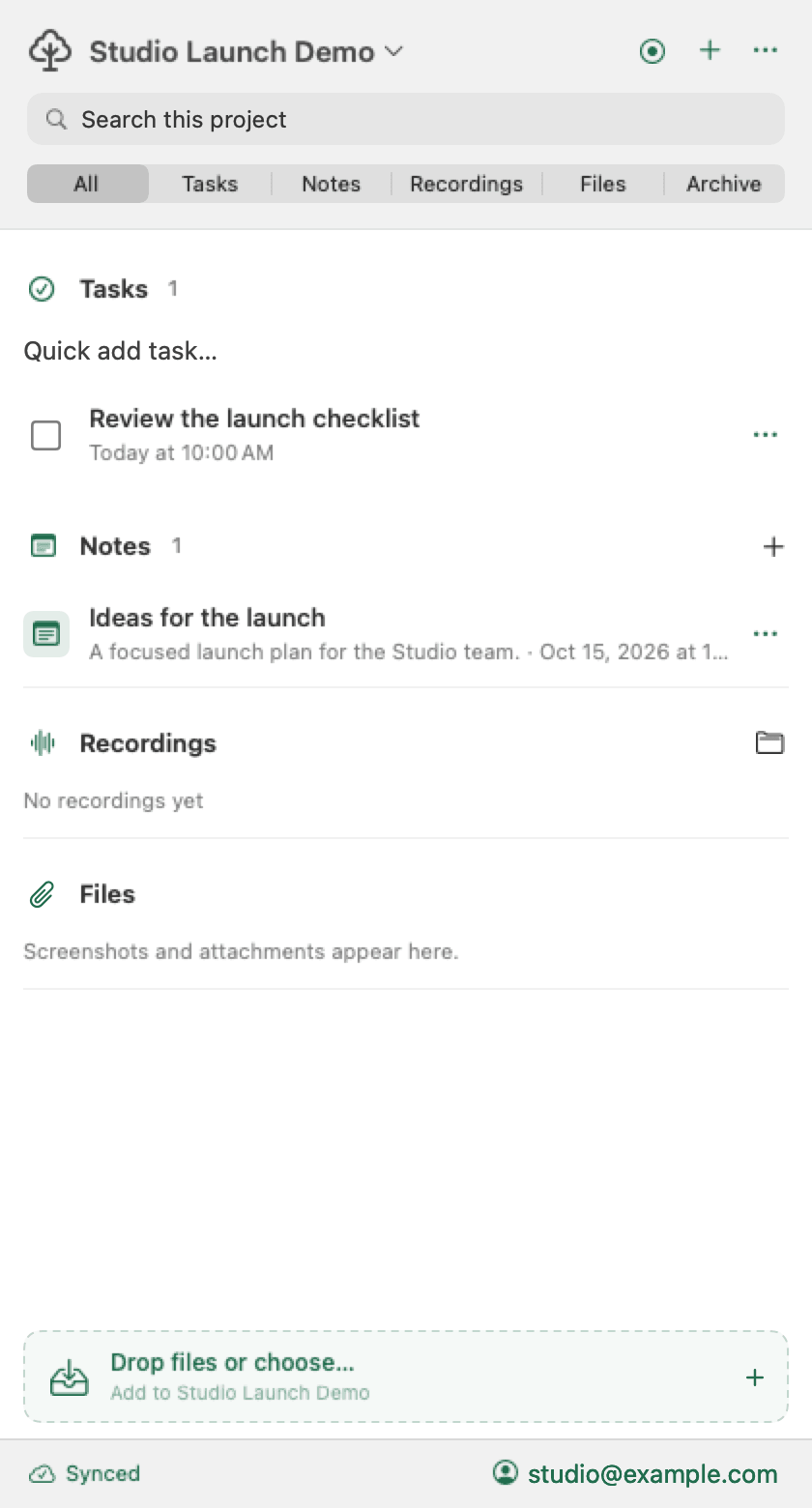
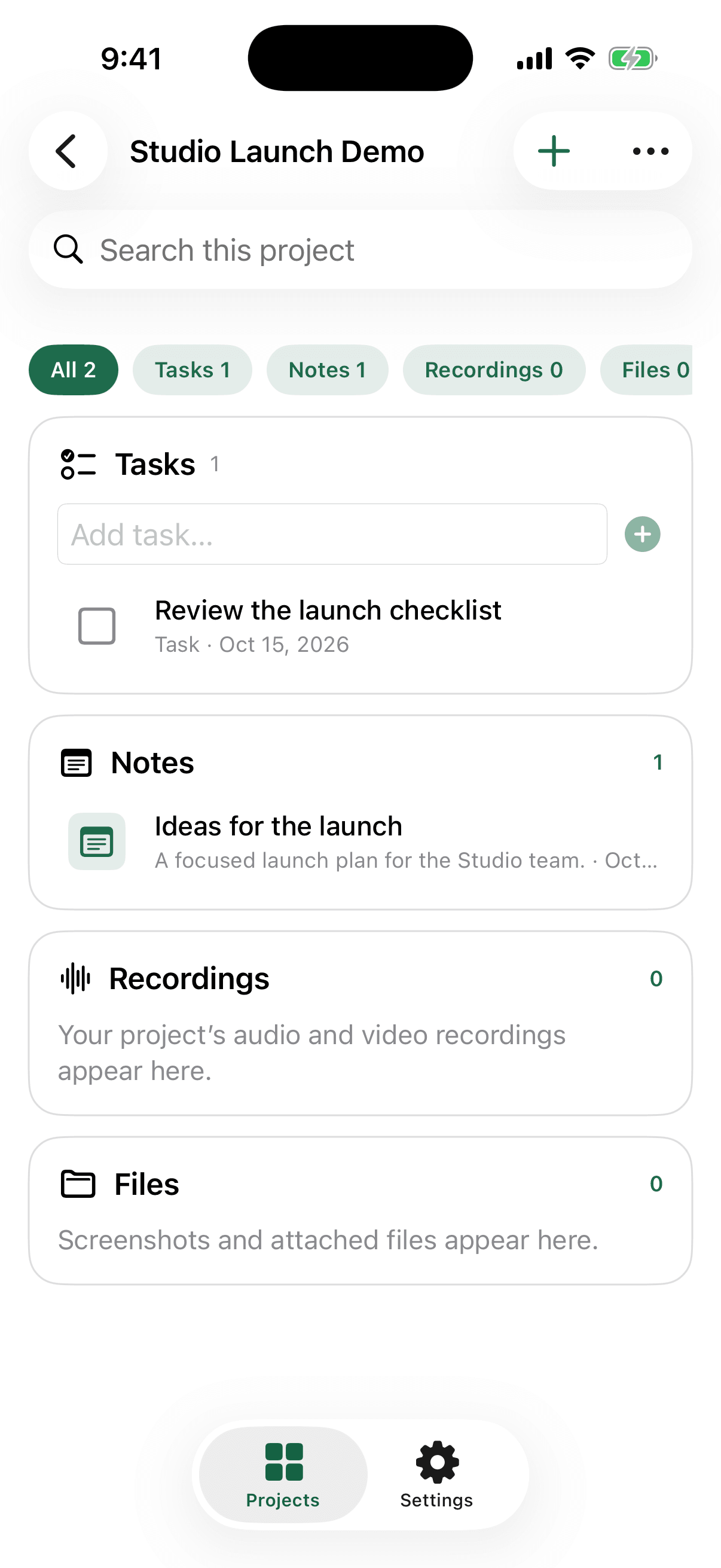
Canopy desktop app showing project branches organized into Now, Next, and Backlog
01Capture a branch in one line. Keep moving without losing the work.

Branches

A practical place for unfinished work.

A branch is a task with enough context to pick up later. Keep branches attached to the project they belong to, without turning every passing thought into today’s priority.

  1. 01

    Capture

    Use the desktop app to write down the work the moment it appears.

  2. 02

    Organize

    Keep branches in Now, Next, or Backlog inside each project.

  3. 03

    Pull it in

    Bring the branch and its context into your IDE when it’s time to work.

Canopy MCP

Your branches, available in your favorite IDE.

Connect the Canopy MCP and ask your coding assistant for project branches. It can pull in the task, notes, and screenshots before you start implementing.

CodexCursorVS CodeAny MCP client
IDE assistant
You

Look up the Canopy branches for Canopy Core.

C
Canopy

Looking up Canopy branches

Done
Need to rebuild landing site.

Next · Canopy Core